Problem Statement
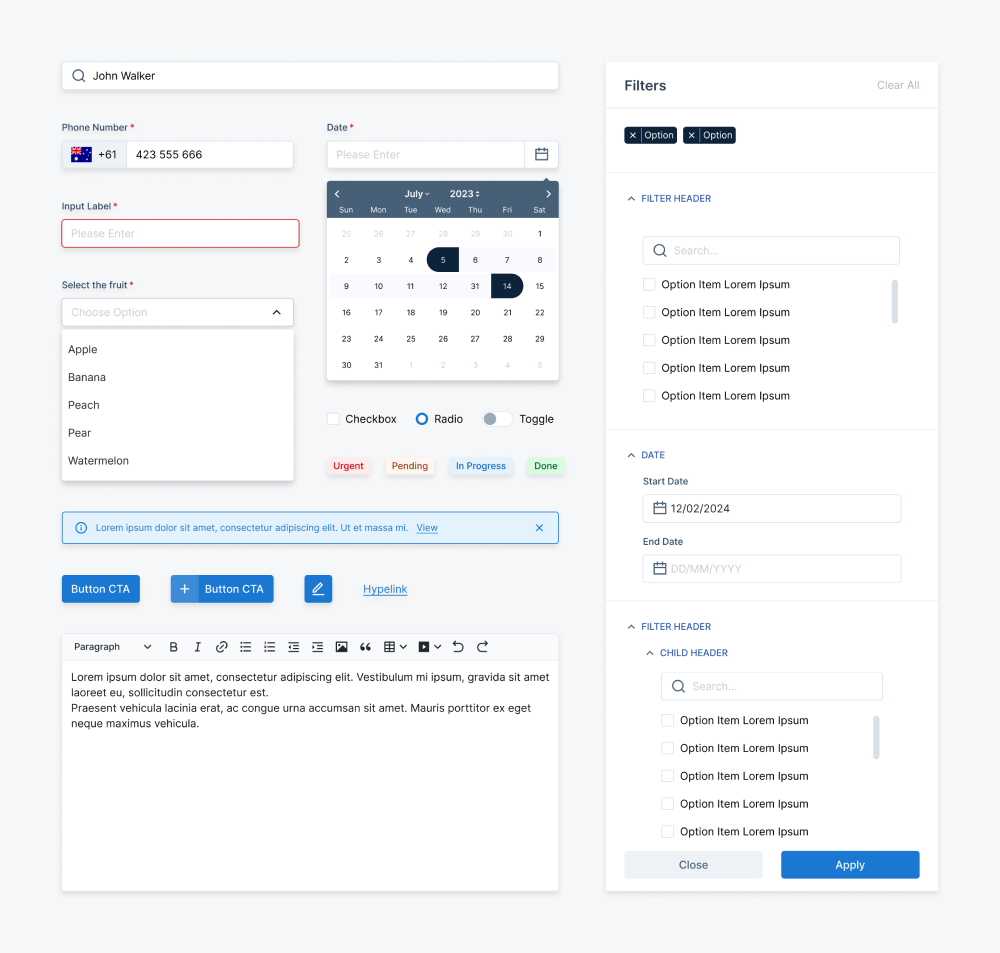
When I joined, Adobe XD was the only design tool in use and there was no shared library, no tokens, and no documentation. Each product had evolved independently — with its own colour palette, its own spacing conventions, and its own component patterns that existed only in the designer's head. There was no single source of truth, which meant every new feature meant starting from scratch and every product felt slightly different from the last.This wasn't just a visual problem — it was a scaling problem. As the team and product grew, the fragmentation would only compound.
Visually fragmented
Disconnected experience
No single source of truth
Style fragmentation across products
Goals & Objectives
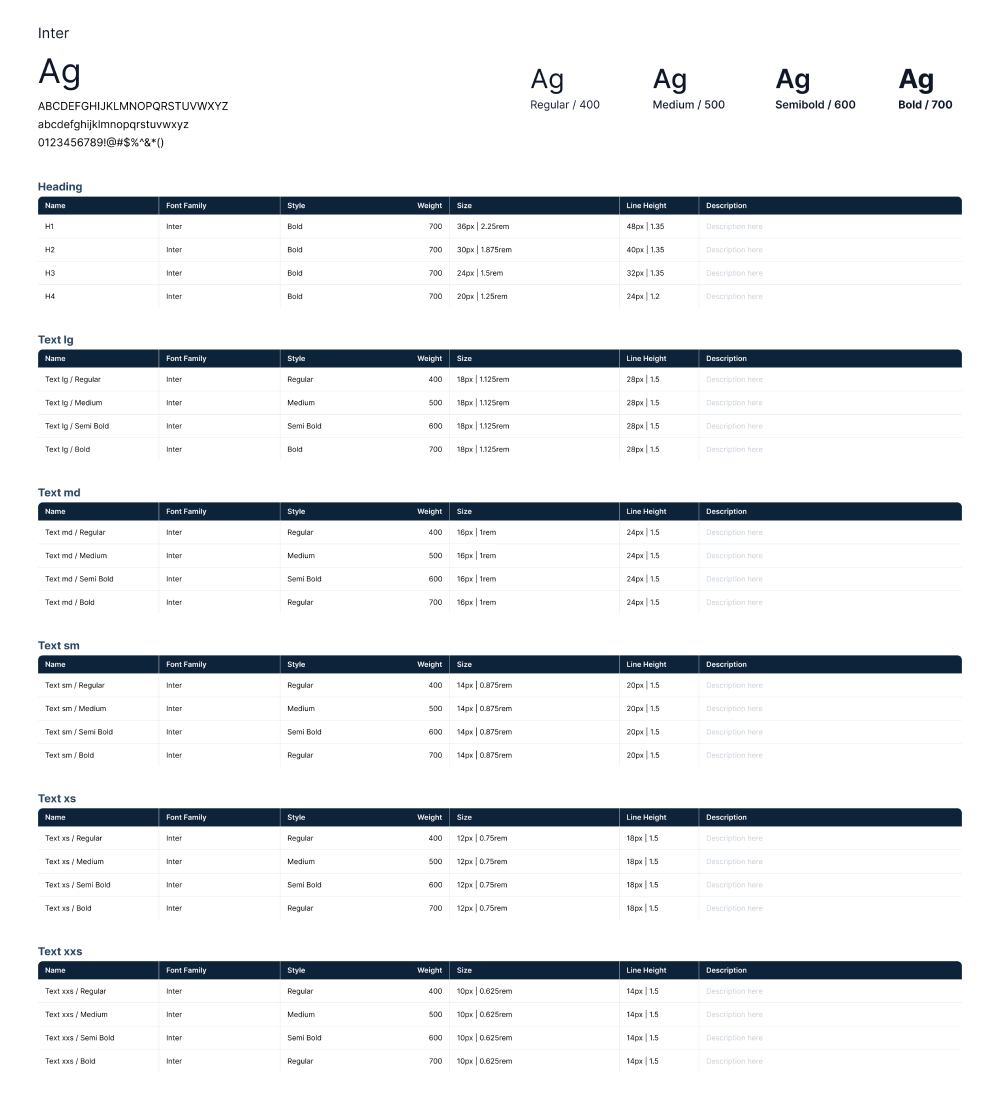
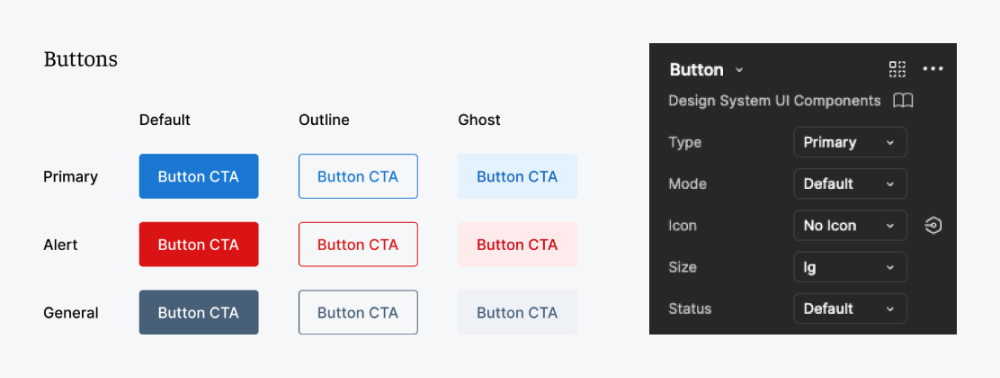
I aimed to create a scalable, reusable, and accessible design library. Beyond ensuring UI consistency across projects, keened to enhance collaboration among designers and streamline the handoff to developers.
Research Preparation
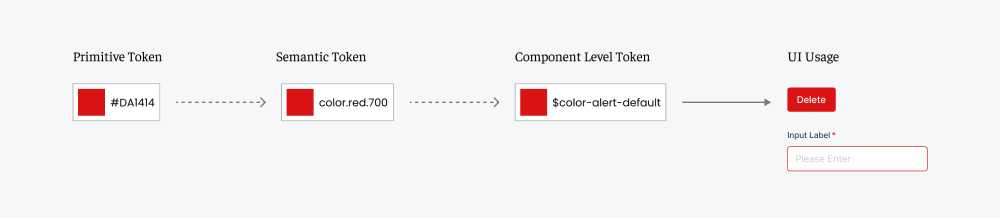
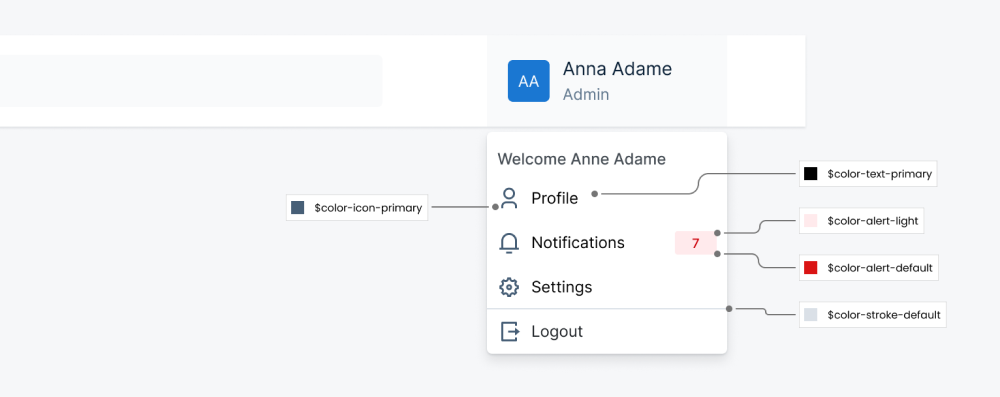
Before building anything, I approached research from two directions — looking outward at industry best practices, and inward at our own design reality.External: Studying Material Design and Atlassian's system surfaced a critical insight: tokens should come before components. Without a token foundation, any component library becomes rigid and hard to maintain.Internal: Auditing our existing product files told a different story. With Adobe XD as the only tool and no shared library in place, every designer was building in isolation — inconsistent spacing, mismatched colours, and zero documentation meant no two products spoke the same visual language.These two inputs together determined what to build first, how to structure the library, and how to bake accessibility in from the start — rather than retrofitting it later.